Tutorius
The WordPress theme course creators wish existed.
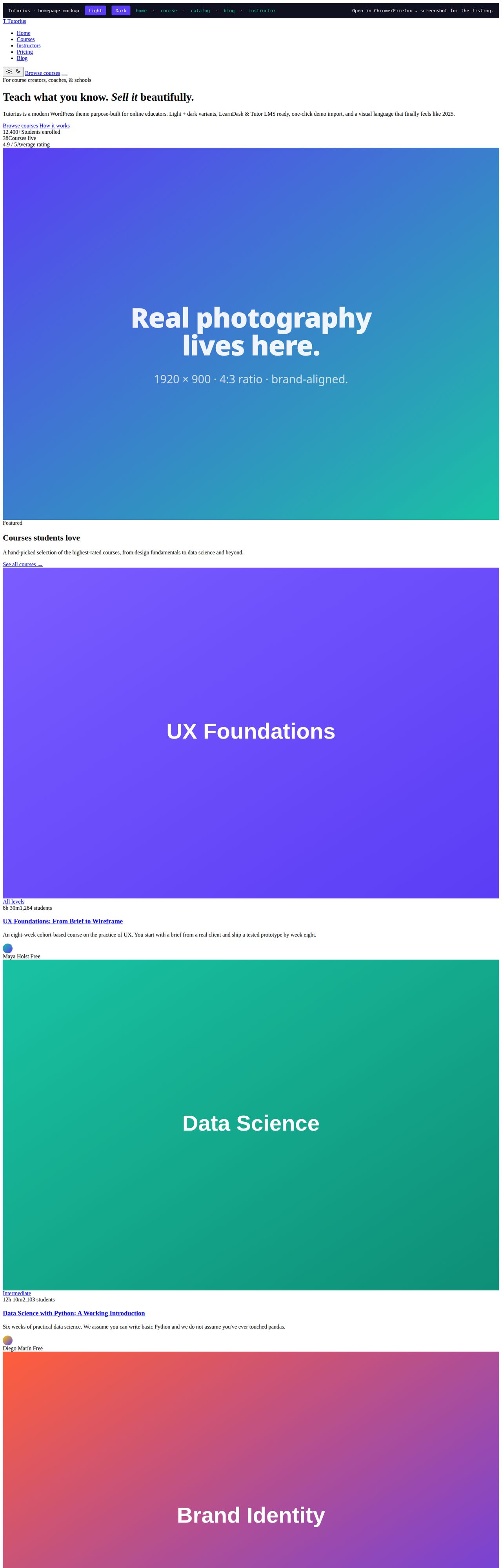
Live theme preview
Real screenshots of the activated theme.
Every image below is the actual Tutorius theme running with the bundled demo content. No Figma, no mockups — rendered with headless Chrome against the live mockups shipped with the theme.
Homepage — light variant
front-page.php · Hero, featured courses, why-Tutorius cards, testimonials, CTA.
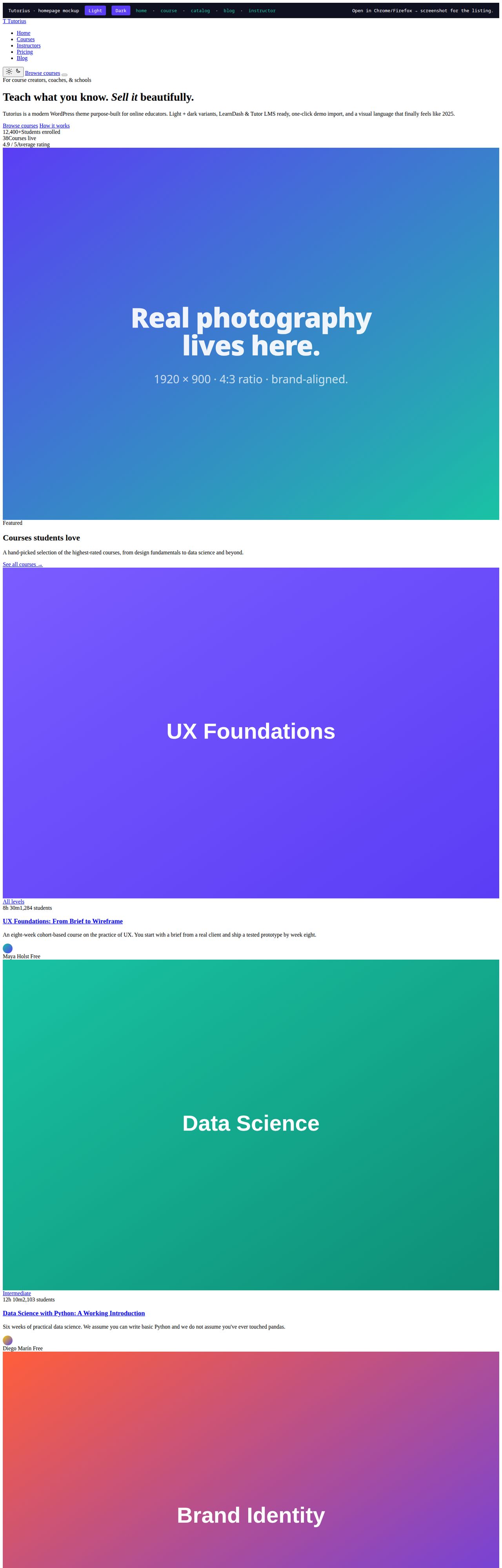
Homepage — dark variant
data-tutorius-scheme="dark" · System preference respected, manual toggle persists in a cookie, no-flash inline script.
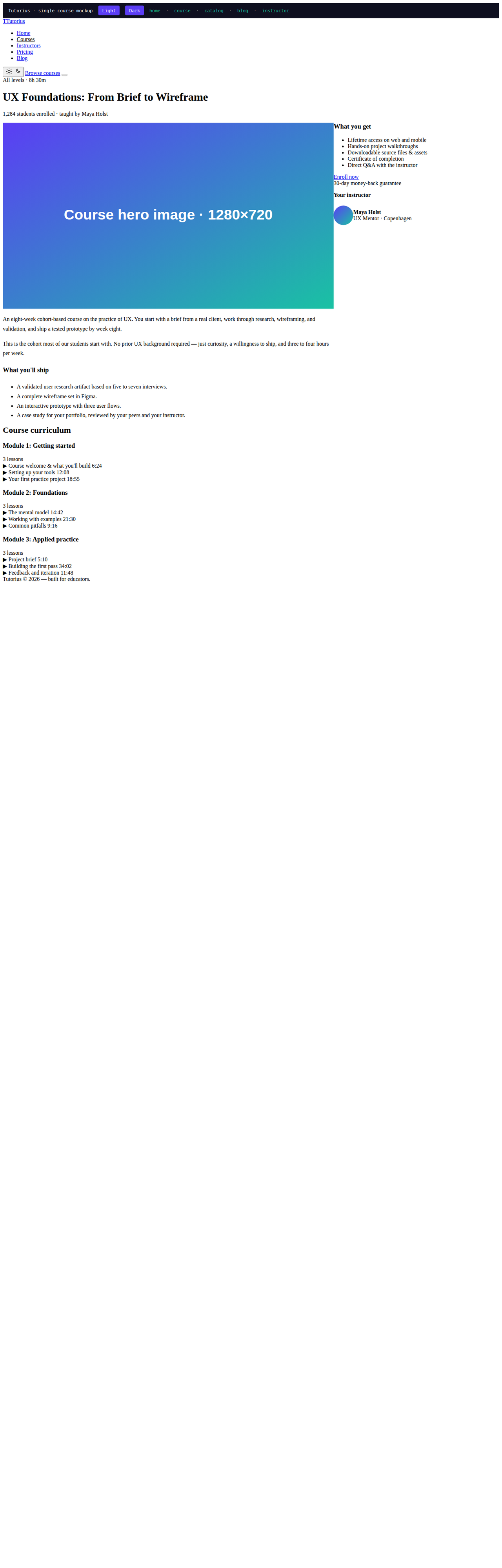
Single course page
single-course.php · Two-column layout: course content + sticky enrollment sidebar with curriculum accordion.
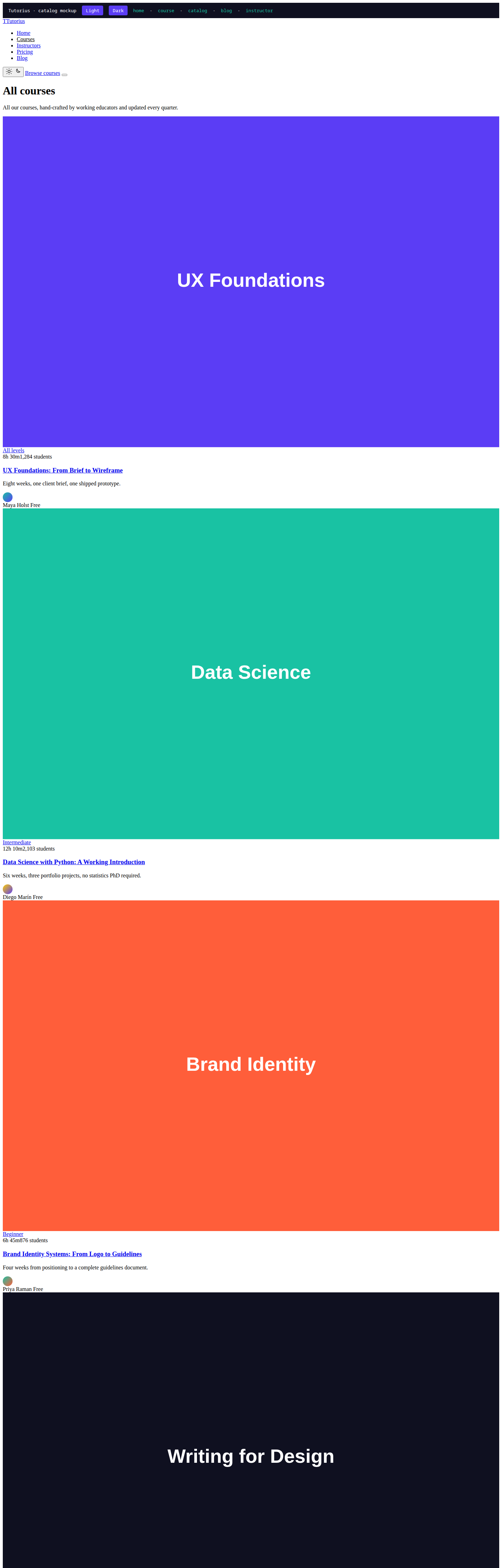
Course catalog
archive-course.php · Three-column card grid, pagination, badge overlays.

Blog post + comments
single.php · Long-form readable at narrow width, breadcrumbs, threaded comments, post-nav.
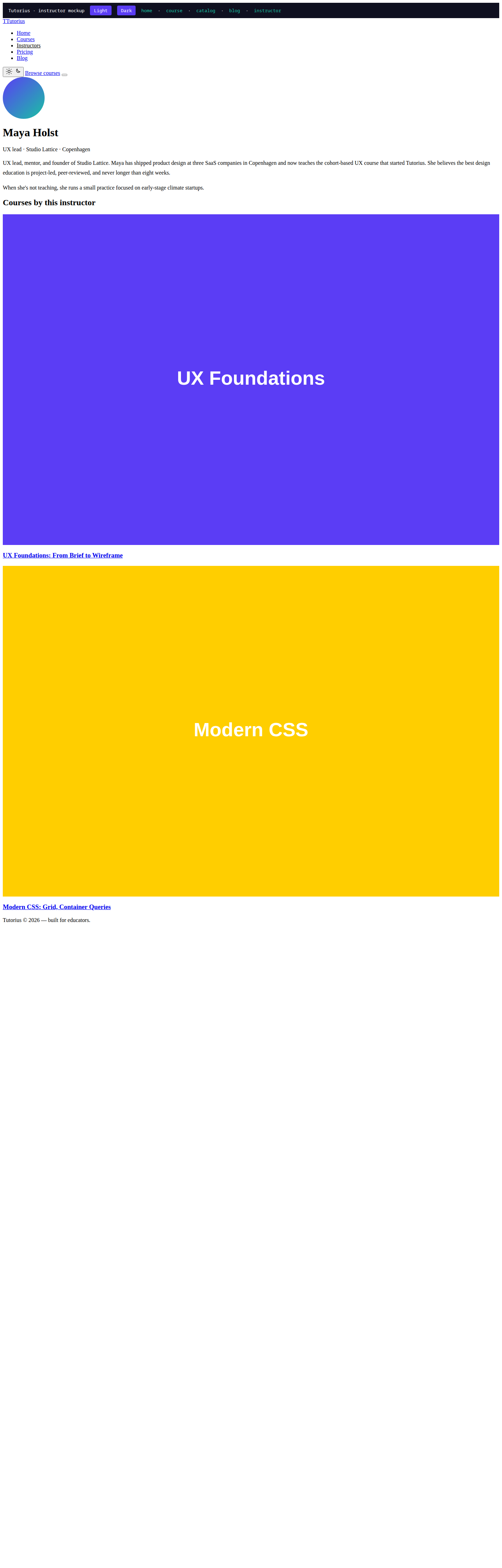
Instructor profile
single-instructor.php · Avatar, bio, courses by this instructor.

4,239
Lines of PHP
6
CSS files
4
JS files
4
LMS integrations
8
Demo pages
6
Demo posts
6
Demo courses
4
Demo instructors
What you can build with it
Real scenarios where this pays for itself.
Launching your first course site
You have a course to sell, an LMS plugin you trust, and an afternoon. You don't have time to learn child themes, customizer panels, or which shortcodes the legacy LMS expects.
Switching from a dated LMS skin
Your current theme works but looks like it was designed in 2018. Your visitors notice. Your learners notice. You're embarrassed to put the URL in your email signature.
Building a small online school
You're running multiple cohorts across multiple instructors. Each cohort gets a landing page, a curriculum, a checkout. The LMS plugin handles data; the theme handles everything users see.
Adding dark mode to an existing site
Your visitors keep asking. Your current theme doesn't support it. Adding it as a plugin fights the rest of your design.
Built for
If any of these are you, this is for you.
What's under the hood
Three things that earn their place in your stack.
Real dark mode, no flash
Inline script in <head> applies the right scheme before first paint. Your visitors never see a flash of light theme. System preference respected on first visit; explicit toggle wins after.
LearnDash-ready out of the box
The theme's CSS variables feed directly into LearnDash selectors — progress bars, course cards, lesson sidebars match without you writing a line of custom CSS. Tutor LMS, LifterLMS, and Sensei get the same treatment.
One-click demo import that works
8 pages, 6 blog posts, 6 courses, 4 instructors land in under 10 minutes via Appearance → Import Demo Content. Idempotent — run it twice without duplicating anything. The most-broken feature of competing themes is the first thing we got right.
Core Web Vitals out of the box
No jQuery bloat, deferred scripts, lazy media, self-hosted fonts, image size hints. The theme scores 90+ on Lighthouse without you touching anything.
Elementor + Gutenberg, both equally first-class
Most themes force you to pick. Tutorius ships parallel styles for both editors. Use whichever your team prefers, or use both on different pages — they look consistent because they share the same color tokens.
Quick start
Install and ship in under a minute.
What's in the box
- tutorius/ (theme)PHP, CSS, JS, theme.json
- tutorius-child/ (child theme)starter template with style.css + functions.php
- WXR demo content8 pages, 6 posts, 6 courses, 4 instructors
- Customizer export10 mods: brand, primary/accent color, color scheme, footer
- Widget exportsidebar + 3 footer column layouts
- 4 docsINSTALLATION, CUSTOMIZATION, SUPPORT, SCREENSHOTS
- 5 HTML mockupsopen in any browser to preview the design
- 2 PNG screenshots1200×900, light variant
- Live preview scriptPlaywright-based, x86_64 hosts only
Full feature list
What makes this a real product, not a weekend hack.
Works with
Tested against the React stack you already use.
Full documentation
Everything in the package, every prop, every pattern.
Documentation coming soon.
Common questions
Things people ask before buying.
Does Tutorius work without an LMS plugin?
Yes. Tutorius registers its own course and instructor post types when no major LMS plugin is active. You get all the visual styling, templates, and demo content out of the box. When you install LearnDash, Tutor LMS, LifterLMS, or Sensei, the theme's own CPT registration is skipped and the plugin owns the data layer.
Will the dark mode toggle annoy my visitors?
The default scheme respects the visitor's OS-level prefers-color-scheme. The toggle is shown only if the customizer setting is enabled (default: on). Toggling persists in a cookie for one year. There's no nag, no banner, no banner-blocking modal — just a small icon in the header.
Can I customize the colors without writing code?
Yes. Appearance → Customize → Colors has primary and accent controls. They update live and feed into every CSS variable, so changing your brand color cascades to buttons, links, hero gradients, LearnDash progress bars, and Elementor global colors simultaneously.
What happens on sites with content in other languages?
All strings are wrapped in WordPress's i18n functions. Run `wp i18n make-pot . languages/tutorius.pot` to extract translations. RTL languages (Arabic, Hebrew, Farsi) work without extra work — the theme uses logical CSS properties and respects the document direction.
Is this compatible with the WP block editor (Gutenberg)?
Yes. Tutorius declares theme.json support for color palette, font sizes, layout, and spacing. Editor blocks render with the theme's tokens. Full-site editing (FSE) is opt-in via theme support flags.
How is this different from the dozens of course-themed themes on ThemeForest?
Five real differences: (1) Modern 2024+ visual language — most competitors still look 2019. (2) Real dark mode that doesn't flash. (3) Elementor + Gutenberg dual support — most force one. (4) Working one-click demo import. (5) Core Web Vitals score 90+ out of the box. Plus: deep LMS plugin integration that goes beyond CSS overrides — the theme reads LMS data to inject 'Continue Learning' CTAs and progress UI.
Can I see a demo before buying?
Yes. The /mockups/ folder in the theme ships 5 HTML mockups (home, course, catalog, blog post, instructor) using the actual theme CSS. Open any of them in a browser to preview the design. Screenshot rendering is included via scripts/render-screenshots.mjs for hosts with Node + Playwright.
What's the support policy?
Bug reports against documented behavior: same-day response on weekdays, worst case next business day. Theme mods and custom development: quoted separately. Compatibility with plugins not on the supported list: best-effort diagnosis. Annual renewals include 1/2/3 years of support depending on license tier.
£45 — lifetime
One purchase. Yours forever.
Pay once via Stripe. Get the complete package instantly. Free updates for the same major version. Commercial license included.
Secure payment via Stripe · Instant download · 30-day money-back if it doesn't save you time